CPAP Troubleshooting: How to Fix Common Issues with Mask and Device
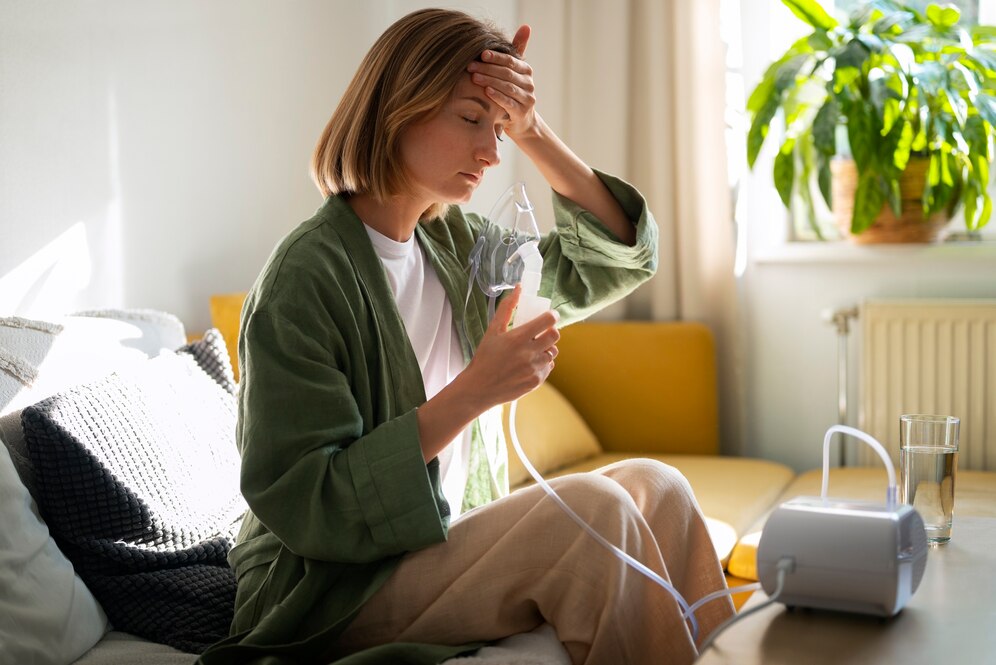
If you are treating your sleep apnea with CPAP therapy, you know: for the treatment to be effective, the equipment must function flawlessly. Unfortunately, issues with your CPAP mask or device can occasionally arise, making restful sleep difficult. But don’t worry—many of these problems can be easily resolved with a little troubleshooting. In this guide, we show you the most common CPAP problems and provide solutions to get your therapy running smoothly again.
1. Mask Leaks: How to Prevent Air from Escaping
One of the most common issues for CPAP users is air leaks at the mask. These can affect your therapy and lead to discomfort, dry mouth, or insufficient airflow. Causes of leaks include a poorly fitting mask, incorrect mask positioning, or worn-out mask cushions. Here’s how to address the problem:
How to Fix Mask Leaks:
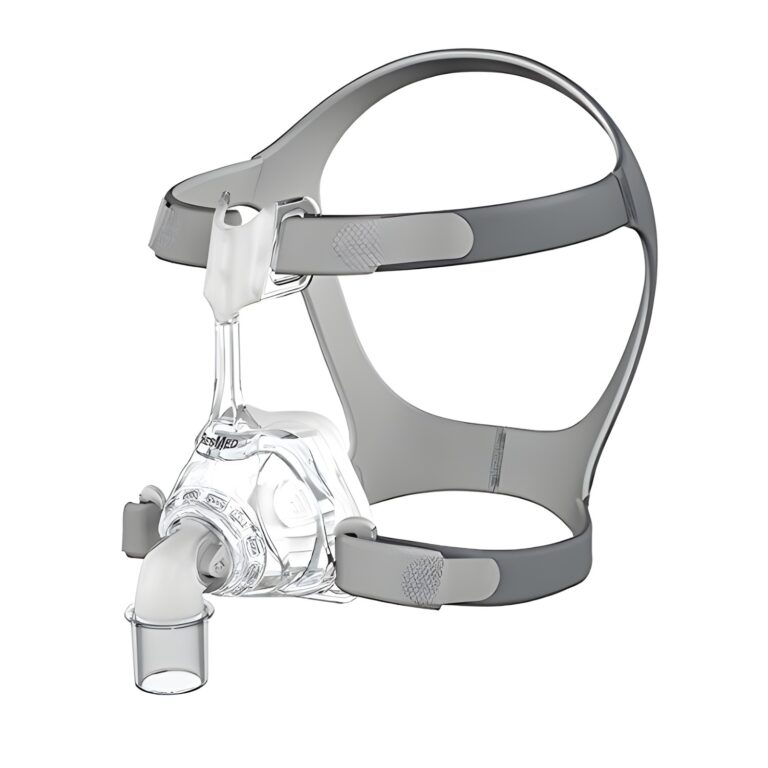
- Ensure the mask fits snugly but not too tightly. Adjust the headgear straps until the fit is comfortable yet secure.
- Check the seals or mask cushions for wear and replace them if necessary.
- Make sure the mask sits correctly on your face with no gaps where air could escape.
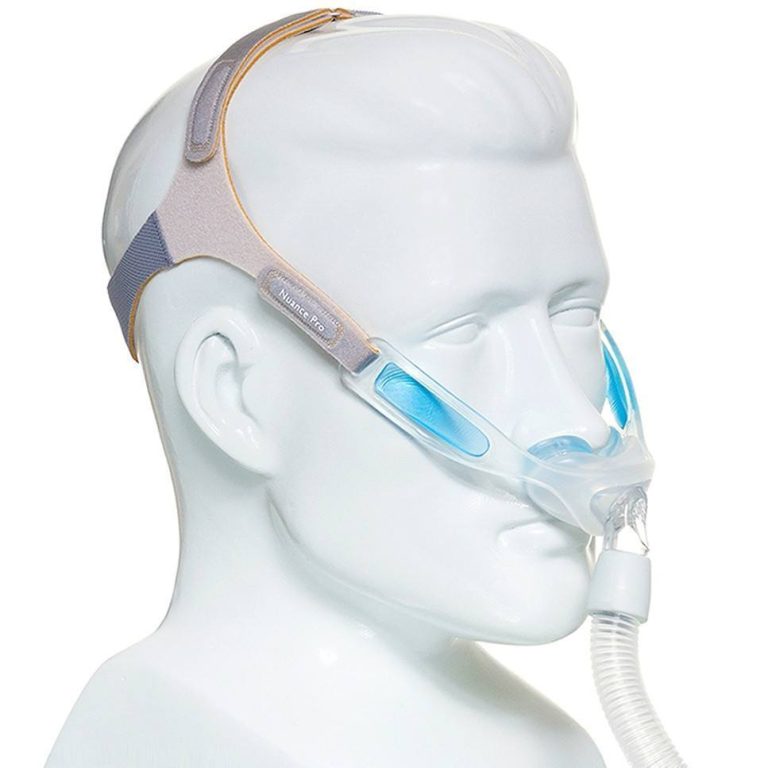
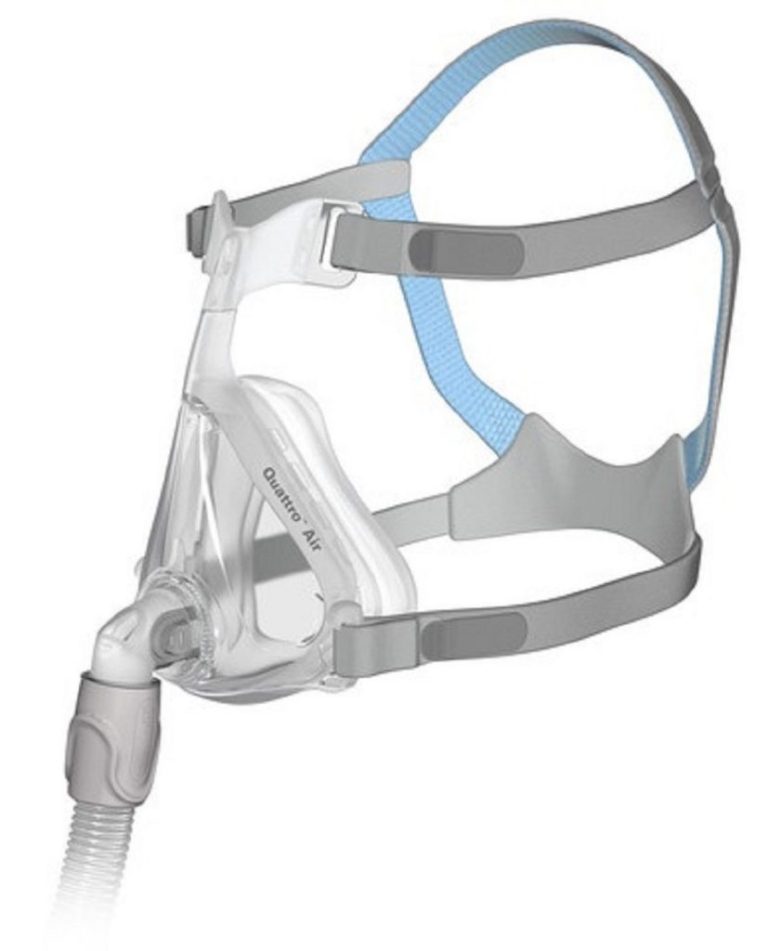
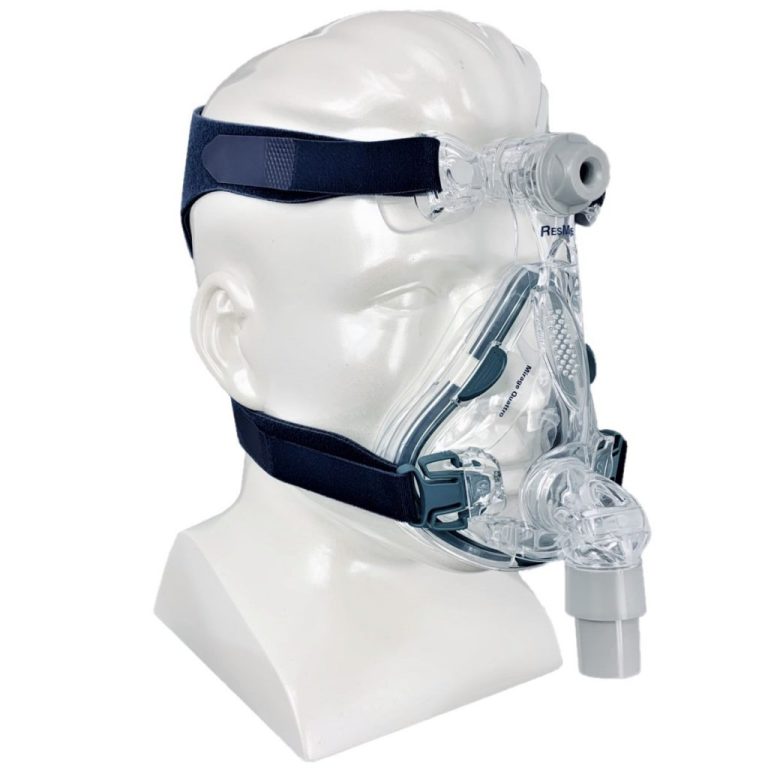
- Try different types of masks if leaks persist. Some users find a nasal pillow mask more suitable, while others achieve better results with a full-face mask.
2. Dry Mouth and Throat Irritations
Dry mouth and throat irritations can occur if you breathe through your mouth during CPAP therapy. This is especially common among users of nasal masks or those who have difficulty keeping their mouth closed during sleep. Fortunately, there are solutions to this problem:
How to Prevent Dry Mouth and Throat Irritations:
- If you tend to breathe through your mouth, switch to a full-face mask that covers both the nose and mouth to ensure a continuous airflow.
- Consider using a heated humidifier with your CPAP device. This adds moisture to the air you breathe, reducing dryness in the mouth and throat.
- If you use a nasal mask, a chin strap can help keep your mouth closed while you sleep.
3. The CPAP Device Won’t Turn On
If your CPAP device won’t turn on, it could be due to power issues, the device itself, or the settings. Here’s how to troubleshoot:
How to Fix Power Issues with the CPAP Device:
- Ensure the device is properly connected to a working power outlet. Check that the power cord is securely connected to both the device and the outlet.
- Inspect the power cord for visible damage. If the cord is frayed or broken, it may need to be replaced.
- Check the fuse if the outlet is without power. Reset the circuit breaker if necessary and try turning the device on again.
- If the device still won’t turn on, consult the user manual or contact the manufacturer for model-specific troubleshooting advice.
4. Excessive Noise from the CPAP Device
If your CPAP device is making unusual or excessively loud noises, it could indicate a problem with the motor or other components. Here’s how to troubleshoot and resolve the noise issue:
How to Fix Noise Issues with the CPAP Device:
- Ensure all parts of the device—including the hose and mask—are securely connected. Loose connections can cause vibrations and noise.
- Regularly clean your CPAP device, as dirt or debris can accumulate and put extra strain on the motor, increasing noise levels.
- If the noise persists, check the air filter for blockages. A dirty filter can restrict airflow and cause additional noise.
- If the noise continues, it may indicate a problem with the motor or internal components. Contact the manufacturer for repair or replacement options.
5. Uncomfortable CPAP Mask
If your CPAP mask causes discomfort, it can be challenging to stick with the therapy consistently. Common causes of mask discomfort include pressure points, nasal discomfort, or a feeling of claustrophobia. Here’s how to address these issues:
How to Fix Discomfort from the CPAP Mask:
- Adjust the headgear straps to avoid excessive pressure. The mask should fit snugly without pressing into the skin.
- If pressure points occur, try a mask with a softer cushion or a gel pad for added comfort.
- Consider a different type of mask if discomfort persists. Nasal pillow masks, for example, may be less intrusive for some users than full-face masks.
- If you feel claustrophobic, wear the mask during the day for short periods to get used to the sensation before sleeping with it at night.
6. Issues with the CPAP Humidifier
Some users experience issues with their CPAP humidifier, such as water buildup, insufficient humidity, or leaks. Here’s how to address some of the most common humidifier problems:
How to Fix CPAP Humidifier Issues:
- If you notice water buildup in the tube or mask, ensure that the humidifier chamber is properly aligned and correctly inserted into the device.
- If your humidifier is providing too little moisture, increase the humidity setting on your CPAP device and check that the water chamber is filled and clean.
- To prevent water leaks, make sure the water chamber is securely locked in place before use.
Conclusion
While CPAP therapy can sometimes seem challenging, most common issues with CPAP masks and devices can be easily resolved with a bit of troubleshooting. By addressing problems like mask leaks, discomfort, power issues, or noise, you can enhance your CPAP therapy and fully benefit from your treatment. If problems persist after troubleshooting, it may be time to seek further assistance from your healthcare provider or the manufacturer of your CPAP device.
Remember: A well-maintained CPAP device and a cared-for mask are key to achieving the restful sleep you need to effectively manage your sleep apnea!
Matching products from our shop
Genuine products, fast tracked shipping.
Popular brands: ResMed · Philips Respironics